
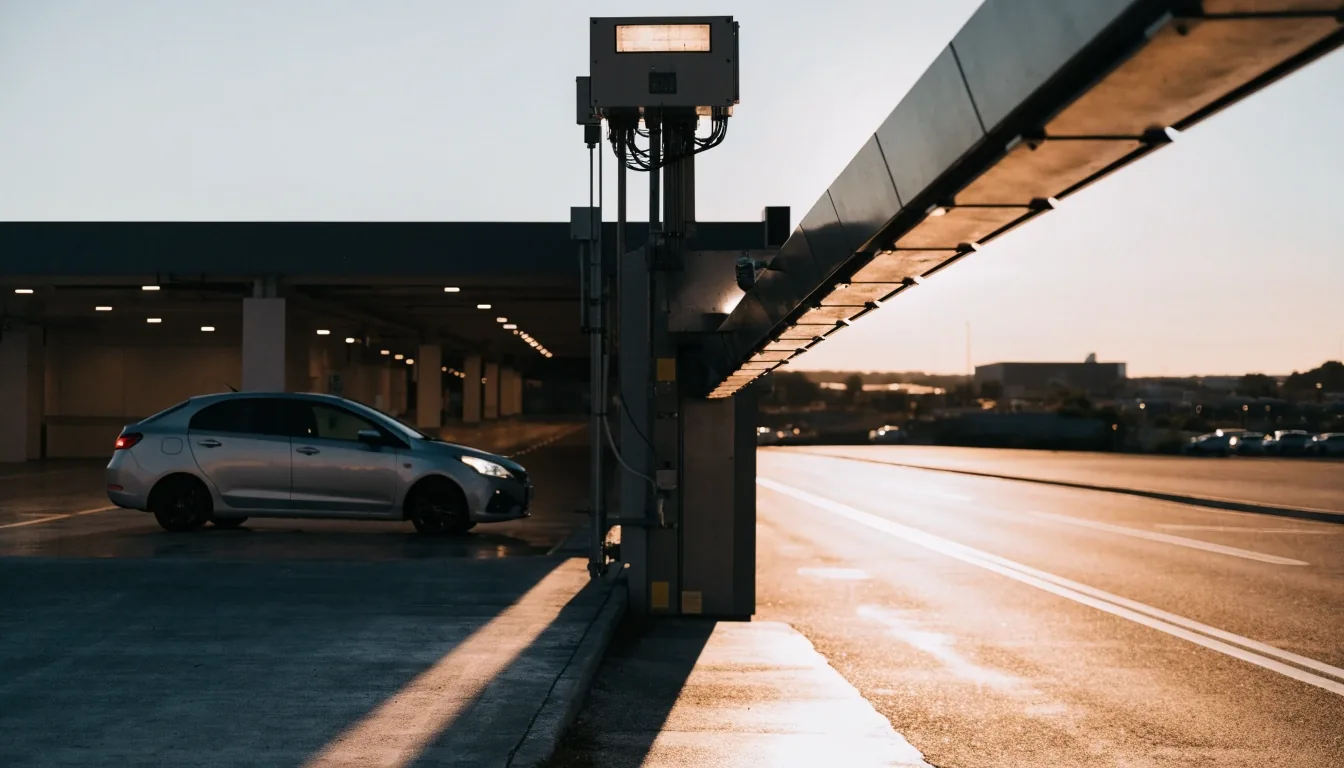
Melbourne Airport parking guide
How to pre-book Melbourne Airport parking
Pick a car park, enter your flight details, pay, and scan a QR code at the gate. The whole booking takes a few minutes.
T4 books the T4 side. Qantas, Virgin and international book the T123 side.
Dates set the price. Flight details help the car park allow for delays.
No ticket. The same code lifts the barrier on arrival and on return.
Before you start: three things to have ready
Booking Melbourne Airport parking online removes the guesswork at the gate. Have these details open before you begin and the form takes a few minutes. You pick a car park, enter your flight details, pay, and get a QR code that opens the barrier on arrival.
Know which terminal you fly from
This decides the car park. T4 travellers book the T4 Terminal Car Park. Qantas, Virgin and international travellers book the T123 precinct. Double-check the booking confirmation email from your airline if you have connecting flights.
Entry and exit dates and times
Enter your best estimate if the return is not confirmed. You can update it through the help centre if plans shift. Do not leave the exit date blank to avoid a decision, because overstays can trigger extra charges.
A payment method that works at the gate
Apple Pay and Google Pay both work for airport parking, as does a standard card. You pay at the end of the online booking and the rate you see is the rate you pay.
Match trip length first
Choosing the right car park
The booking flow asks you to pick between Value, Terminal, Premium and Valet. Each one suits a different kind of trip, so start with how long you are away and which terminal you use. Pre-book parking at Melbourne Airport with that pairing and the rest of the form falls into place.
Value — the long-stay option with a shuttle
Suits trips of several days or more. You park in the long-stay field and ride the shuttle to the terminal. Allow extra time for the bus, especially on Friday evenings and Sunday nights.
Terminal — the walk-in choice for T123 or T4
Closest self-park walk to check-in. Pick the T123 or T4 building to match your flight. Best when you carry a lot or travel with kids and want no shuttle leg.
Premium and Valet — closest bays and kerbside handover
Premium holds the shortest walk. Valet hands your keys over at the terminal. A long trip rarely justifies valet, so weigh the convenience against the days you are away.
If you are unsure, compare the options on the Terminal Parking Options page, then come back to book. The terminal match matters more than extras.
Value
Long trips
Shuttle to terminal, budget-minded.
Terminal
Walk to check-in
T123 or T4 by flight.
Premium / Valet
Short walk, handover
Pay for closeness.
Tip — match trip length first, then terminal.
Dates, flights, payment
Enter dates, add the flight, pay the online rate
The booking asks for entry and exit dates plus your flight number. Flight details help the car park plan for delays, which is part of why pre-booking is more predictable than driving up. Payment happens at the end and the rate you see is the rate you pay.
Booking ahead locks in the price. Drive-up rates at the gate are set higher, so if you are comparing, the online figure is the one to use for budgeting. Apple Pay, Google Pay and standard cards are accepted.
If return plans shift, update dates through the help centre early.
Your QR code: where to keep it
Entry and exit key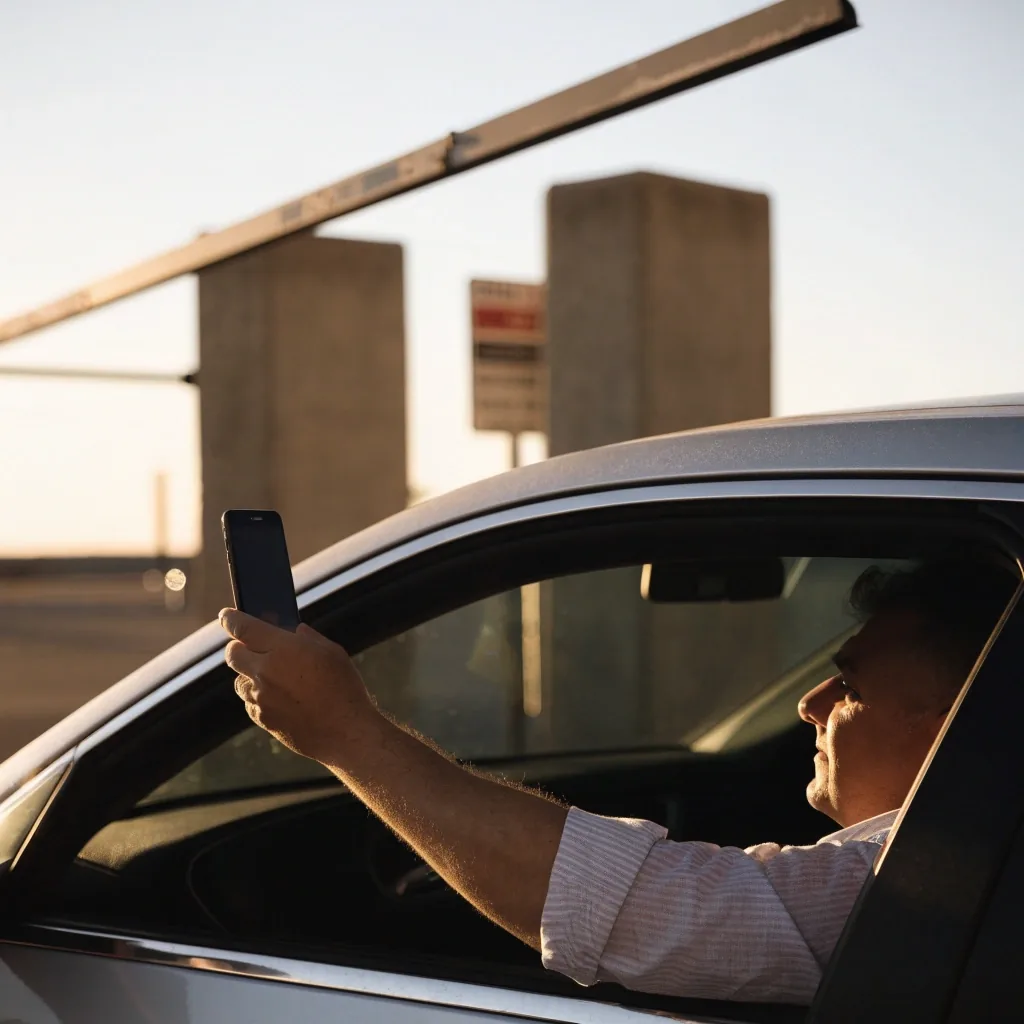
Once booked, you receive a QR code. Scan it at the entry barrier and it lifts without issuing a ticket. Scan it again at the exit and you are through.
Save it somewhere you can open without phone signal, because coverage inside the car park can be unreliable. A screenshot in your photos or a saved email works. No need to print — a phone screen reads at the barrier.
Keep handy
- Screenshot the code straight after payment.
- Keep the confirmation email saved offline.
- Charge the phone before you drive to the airport.
Arriving at the car park
Check the car park map before you set off. Each facility has its own entrance, and arriving at the wrong one means circling back around the airport roads. Set the car park name in your navigation, leave buffer time for airport traffic, and aim to arrive with margin before your flight.
Map
Set the right entrance before you leave home
Time
Allow margin, Friday and Sunday run busy
Scan
Hold QR to reader, wait for barrier lift
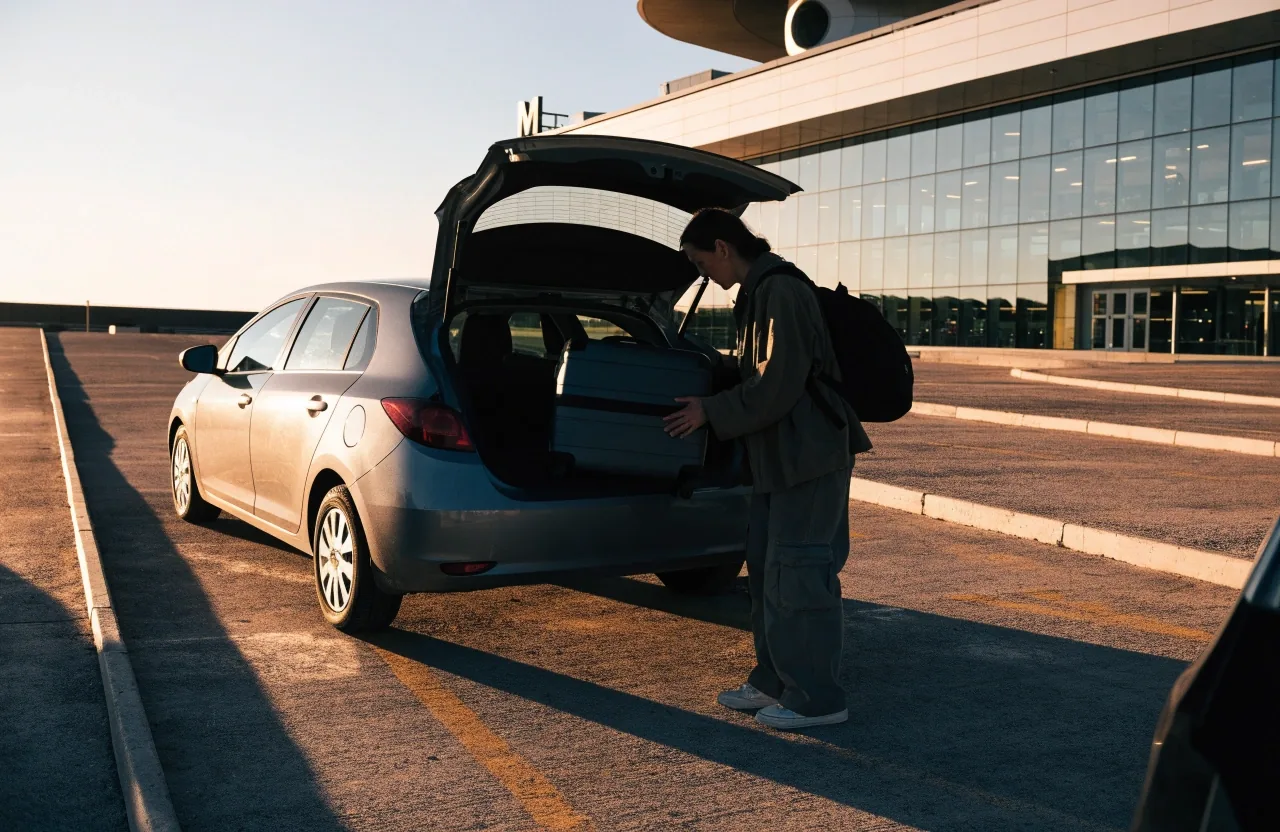

Paying on the day without a booking
If you turn up without a reservation, you can still park. Melbourne Airport accepts Apple Pay and Google Pay at the gate, so you can tap through without a physical card. It works, but it is the more expensive way to park.
Lower online price and a barrier that opens on your code with no ticket queue.
Higher drive-up rate and a possible queue at the barrier at peak times.
On return scan the QR. If it will not read, use the intercom and quote the booking reference.
Changing or checking your booking
If your plans change, the Melbourne Airport parking help centre handles booking questions. There is a phone line for parking enquiries and a contact form for follow-up. Have your booking reference and flight details ready when you get in touch. For small date changes, call early rather than waiting until the day.
Parking Melbourne Airport travellers use most often sits in the T123 and T4 buildings at Arrivals Drive, Melbourne Airport VIC 3045. Staff at the help centre can point you to the right entrance if you booked the wrong side.
After the trip: exit and what to check
On return, scan your QR code at the exit barrier. Check that entry and exit times match your booking, because overstays can trigger extra charges. If you extended the trip, update the booking through the help centre before you collect the car.
Guide open hours are around the clock. The address team works open 24 hours, 7 days a week, so a late-night return is still covered by the intercom at the gate.
Booking questions, answered
Help and FAQCan I book Melbourne Airport parking on the day?
You can book online on the day in many cases, and you can also drive up and pay at the gate. The drive-up rate is higher, and you pay it whether or not you book ahead. If you are already on the road, book from your phone before you reach the gate.
What payment methods work for airport parking?
Apple Pay and Google Pay are both accepted, along with standard cards. Digital wallets work at the gate when paying on the day, and during online booking. The online figure is the one to use for budgeting.
Do I need to print my QR code?
No. A phone screen works at the barrier. Save a screenshot in case phone signal is weak inside the car park, and keep brightness up when you hold it to the reader.
What if my flight is delayed and I return late?
Contact the parking help centre and update your exit details. Do not wait until you are at the exit barrier to sort it out. Have the booking reference and new flight time ready.

Need a hand?
Call +61 3 9297 1600 or write to [email protected]. Open 24 hours, 7 days a week.
Contact the help centre