

Help and FAQ — parking Melbourne Airport
Melbourne Airport parking help
Straight answers on bookings, QR entry, Apple Pay and Google Pay, shuttles and terminals — for travellers using Melbourne Airport parking.
Where this help page fits
If your question is about an existing booking, changes or car park access, the Melbourne Airport parking help centre is the right place to go, since they hold your reservation and we do not. This guide explains how airport parking works so you arrive prepared.
Use the rows on the right as a quick sort. Booking questions go to the airport system before you travel. Gate and payment questions can usually be solved at the barrier with your QR code and booking reference.
Sort your question
Booking, date change or cancellation
Contact the airport parking help centre before your travel date with reference and flight details.
Barrier will not lift or QR will not scan
Use the intercom at the gate, quote your booking reference, and keep a screenshot of the code.
Which car park for your terminal
T123 connects to Terminals 1, 2 and 3. T4 sits about 100m from Terminal 4. Check maps before you book.
Bookings and changes
Change it before you reach the barrier
Booking, changing dates and cancellations all run through Melbourne Airport's own system. If your plans shift, contact the parking help centre before your travel date rather than at the barrier. Have your booking reference and flight details ready. For small changes, calling early is easier than sorting it out on the day.
Keep the confirmation email until you have exited. If your flight number changes, update the booking so entry cameras and staff can match your stay.
Payments and QR code entry
At the gate
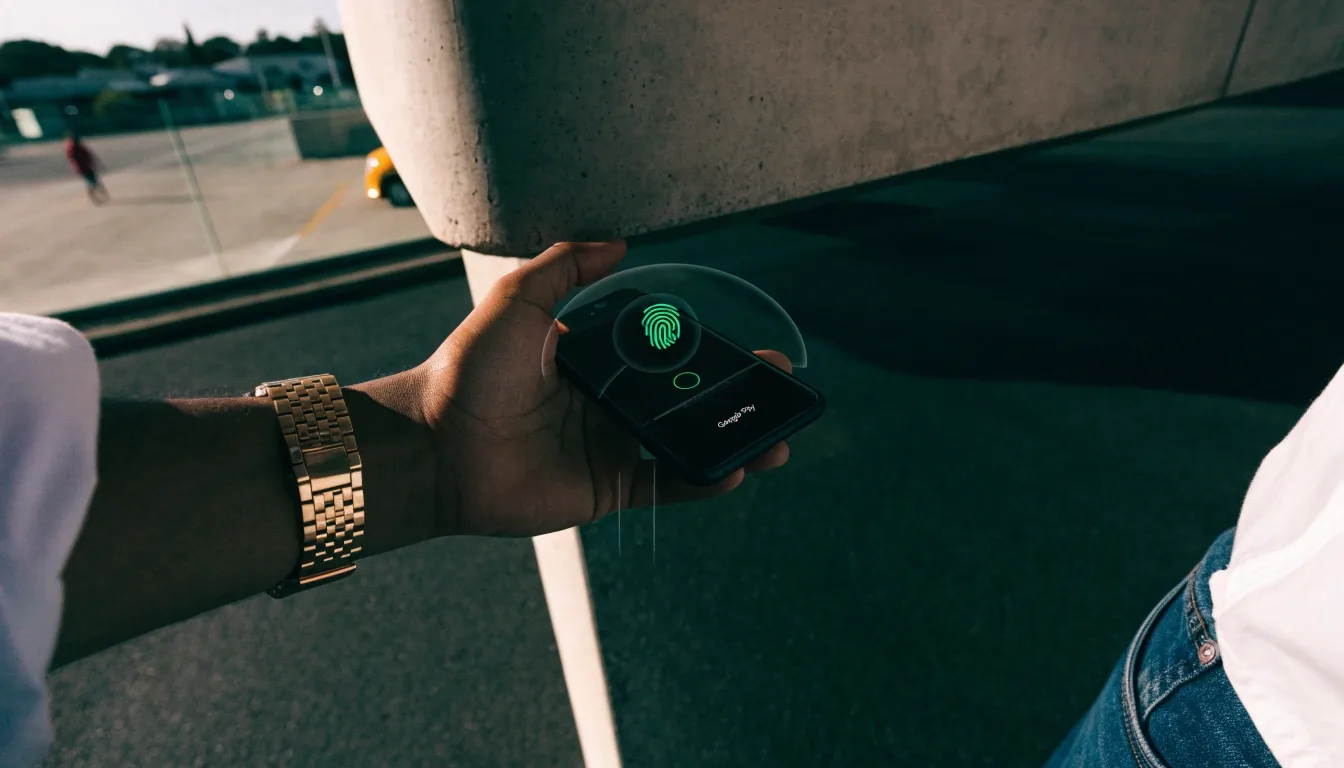
Payments and digital wallets
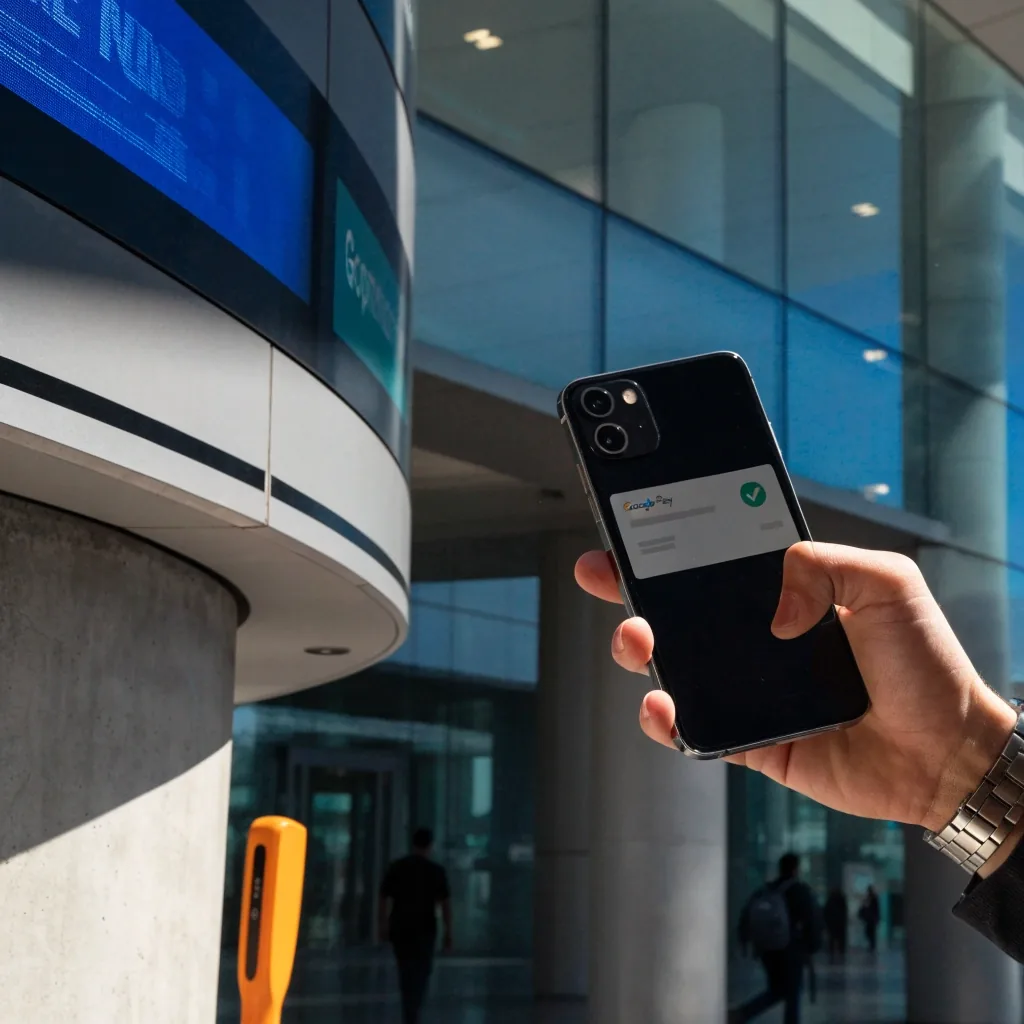
Melbourne Airport accepts Apple Pay and Google Pay for parking, both when booking and when paying on the day without a reservation. That covers the entry and exit gates. Standard cards work too.
If a gate payment fails, press the intercom and quote your booking reference. Do not reverse in the lane — staff can lift the boom or move you to a pay point. Keep the same card or phone you entered with, so the stay links correctly at exit.
QR code entry and exit
Your booking confirmation includes a QR code. Scan it at the entry barrier and it lifts without a ticket. Scan again at the exit on return. Save a screenshot in case phone signal is weak inside the car park.
Hold the code flat about 15cm from the reader and raise screen brightness. If the code will not read, use the intercom at the gate rather than taking a ticket, which can create a second charge to untangle later.
Wallet pay at gates
Apple Pay and Google Pay work for drive-up payment and for pre-booked stays.
Screenshot your QR
Low signal inside concrete decks is common. Offline copy saves a wait.
Use the intercom first
Gate staff can see your booking and open the lane without a second ticket.
Ticket perforation
Pre-booked or drive-up, the rule is the same: one entry record, one exit record. Mixing a QR entry with a ticket exit is the most common reason for a help-centre call.
Shuttle buses and value parking
Allow transfer time
Value parking uses a shuttle bus to the terminal precinct. Allow extra time for the transfer, particularly at peak periods. The bus runs between the car park and the terminal, so you do not need to walk. If you are on a tight schedule, terminal parking avoids the shuttle entirely.
V
Value: ride the shuttle
Best for longer stays when you can add 15–20 minutes each way. Follow the bus stop signs after parking.
T
Terminal: walk straight in
T123 connects directly to Terminals 1, 2 and 3. No bus, no wait, shorter walk with bags.
P
Peak: leave a buffer
Early mornings and school holidays fill buses fast. Earlier shuttle beats a tight check-in.
Car park access, terminals and pick-ups
Car park access and terminals
The T123 Terminal Car Park connects directly to Terminals 1, 2 and 3. The T4 Terminal Car Park is about 100m from Terminal 4. Booking the wrong car park for your terminal adds a walk or a transfer.
Check your terminal on the booking, and use the car park maps to find the right entrance. International travellers use Terminal 2 via T123. Domestic Jetstar travellers heading to Terminal 4 should book T4.
Pick-ups and drop-offs
The T123 Transport Hub hosts the free pick-up and drop-off zones for the main terminal precinct. Wait zone time limits apply, so check the rules before you stop.
For pick-ups, agree a meeting point before your traveller lands, because the arrivals area gets busy. If the flight is early, loop via the waiting area rather than idling at the kerb.
T123 — Terminals 1, 2, 3
Covered walk straight to check-in. Best when flying Qantas, Virgin or international.
T4 — Terminal 4, about 100m
Short outdoor walk. Check maps for the T4 entry so you do not loop via T123.
Quick answers to common questions
How do I change or cancel a Melbourne Airport parking booking?+—
Use the airport booking system before your travel date. Have your reference, number plate and flight details ready. Earlier changes are simpler and leave more options for a new time.
Can I pay with Apple Pay or Google Pay?+—
Yes. Both wallets work when you pre-book and when you pay drive-up at the gates. Standard contactless cards work too. If a tap fails, use the intercom and quote your booking reference.
How does QR code entry work?+—
Scan the code from your confirmation at entry and again at exit. Save a screenshot for weak signal areas. If it will not scan, press the intercom instead of taking a paper ticket.
Does Value parking need a shuttle bus?+—
Yes. A shuttle links Value parking to the terminal precinct. Allow extra time at peak periods. Travellers on tight connections often prefer T123 or T4 terminal parking with no transfer.
Which car park matches my terminal?+—
T123 Terminal Car Park serves Terminals 1, 2 and 3 with direct access. T4 Terminal Car Park is about 100m from Terminal 4. Double-check the terminal on your booking before you drive in.
Where do I pick up and drop off for free?+—
Use the free zones in the T123 Transport Hub for the main precinct. Time limits apply. Agree a meeting point before landing, as arrivals gets busy and kerbside waiting is limited.
Where to get human help
Talk to the team that holds your booking
For anything about an existing booking, a car park barrier, or a rate you were charged, contact the Melbourne Airport parking help centre. There is a phone number for parking enquiries and a contact form for follow-up.
Questions about this guide's content? Use the contact page and mention the page you were reading.
Pick the lane that fits your trip
Three flags
Terminal when time matters
Direct walk, no shuttle. Read the booking steps, then check drive-up rates as backup.
Read the booking guideValue when you have margin
Lower daily cost with a shuttle ride. Add buffer at peak and save your QR offline.
Check parking pricesArrival when you drive in
Follow maps to the right entry, note your level and bay, then walk or ride to check-in.
See car park mapsThis guide explains airport parking in plain language. It does not hold bookings or set rates — the airport help centre does. For guide feedback, see About Our Guide.